
When it comes to gaming or using high-performance displays, you’ve probably come across terms like input lag, response time, and frame time. These terms can feel confusing at first because they all relate to speed and performance. But each measures something different, and knowing the difference can help you choose the right monitor, TV, or gaming setup.
In this guide, we’ll break down each term, explain how reviewers test them, and show you why understanding them matters for your gaming or daily screen use.
What Is Input Lag?
Input lag is the delay between the moment you press a button, move your mouse, or touch the screen, and the moment the action appears on your display. For example, if you press the jump button in a game and the character jumps a little later than expected, that delay is input lag.
High input lag can make games feel sluggish or unresponsive. This is especially noticeable in fast-paced games like first-person shooters, racing, or fighting games. Even a few milliseconds can make a difference.
How Reviewers Measure Input Lag
Reviewers often use specialized tools to measure input lag. One common method involves a high-speed camera that records both the input device and the screen simultaneously. They then count the frames it takes for the action to appear.
Another method uses tools like the Leo Bodnar input lag tester, which measures the delay between a signal sent to the display and the light emitted by the screen.
In addition to hardware, some modern testing setups combine AI tools, they use ChatGPT & Gemini effectively to analyze input lag patterns across multiple devices. By processing data quickly and spotting inconsistencies, reviewers can give you a clear picture of how responsive a display is.
What Is Response Time?
Response time is slightly different from input lag. It measures how quickly a pixel can change from one color to another, usually from gray-to-gray (GtG). It’s a measure of the display itself, not the delay caused by your input.
If response time is slow, you might notice ghosting or blurring during fast movements in games or videos. For example, when a car moves quickly across the screen, a slow response time might leave a faint trail behind it.
How Reviewers Measure Response Time
Reviewers often measure response time using high-speed cameras and specific test patterns. They display sequences of colors and track how long it takes for pixels to fully change.
Some also use oscilloscopes or software tools to measure pixel transitions more precisely. By comparing results, they can determine which monitors or TVs handle motion better.
What Is Frame Time?
Frame time is a different concept. It measures the time it takes for your computer or console to generate and display a single frame. While input lag is about your actions and response time is about the pixels, frame time is about how smoothly the visuals are produced.
For example, if a game runs at 60 frames per second (FPS), each frame should take about 16.67 milliseconds. But if the frame time fluctuates a lot, you might notice stutters, even if your FPS counter looks fine.
How Reviewers Measure Frame Time
Reviewers often use software tools like FRAPS, CapFrameX, or built-in benchmarking tools to measure frame time. These tools record the time it takes for each frame to render and then display graphs showing consistency.
Uneven frame times, even with high FPS, can make gameplay feel jerky. That’s why consistent frame times are just as important as high frame rates.
Comparing Input Lag, Response Time, and Frame Time
Now that you understand the definitions, it’s helpful to see how these three terms relate:
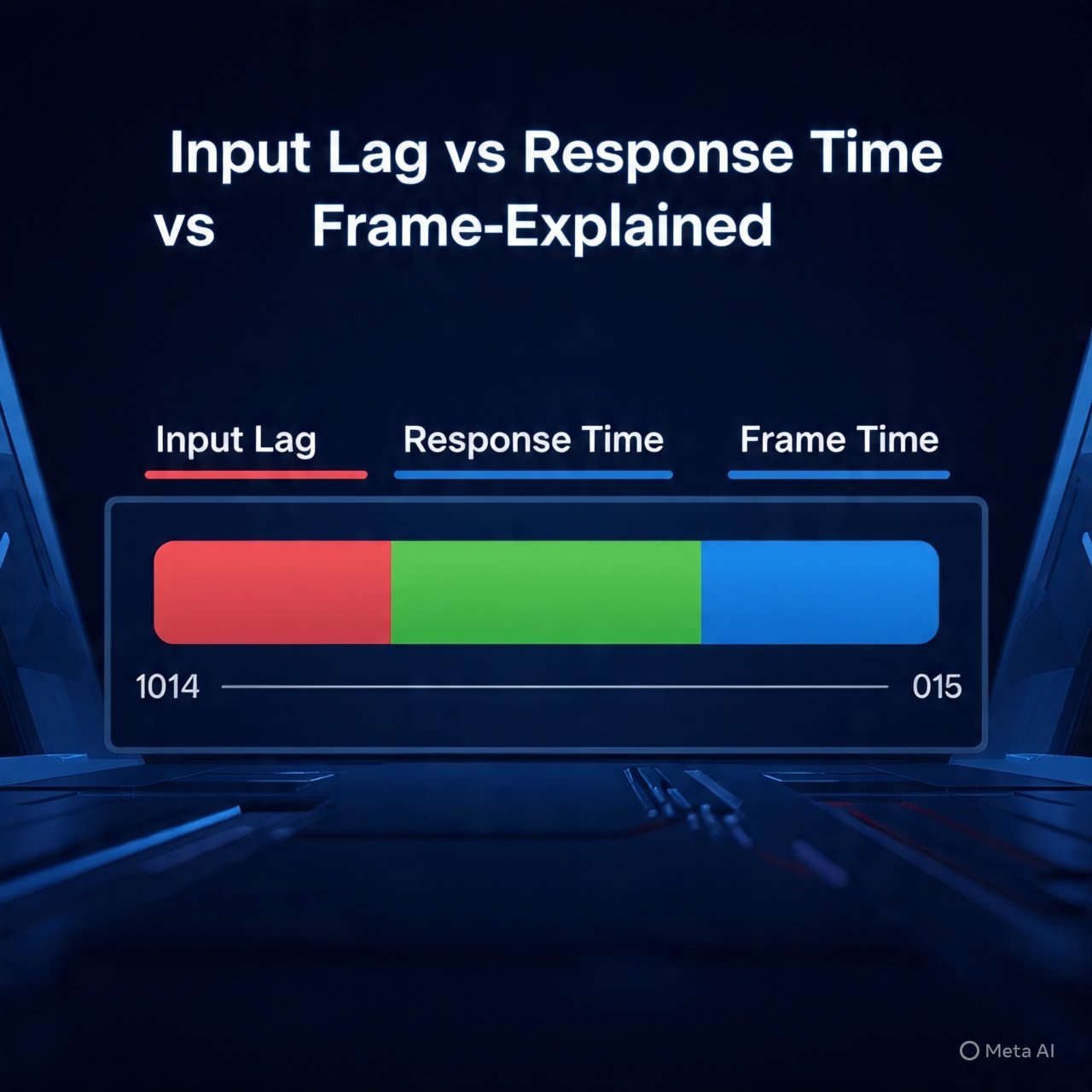
- Input lag is about the delay between your action and what you see on the screen.
- Response time is about how fast each pixel changes color.
- Frame time is about how long it takes your system to produce each frame.
You can think of it like this: input lag is the reaction speed of the screen to your commands, response time is the clarity of what you see, and frame time is the consistency of your system’s performance.
Why These Metrics Matter for Gaming and Media
Knowing these numbers helps you pick a display or system that matches your needs. Here are a few practical tips:
- Competitive gaming: Look for low input lag and fast response times. Every millisecond counts in fast games like shooters or racing games.
- Cinematic experiences: Smooth frame times can make movies and story-driven games look better, even if ultra-low input lag isn’t critical.
- Everyday use: If you mainly browse the web or work, minor differences in input lag or response time might not be noticeable.
Reviewers often combine all three metrics into a real-world score. This is where Bright Side of News stands out. Our testing methodology doesn’t just look at numbers, it uses AI tools like ChatGPT and Gemini to interpret data and explain it in simple terms. This way, you can understand exactly how a monitor or system will feel in your hands.
How You Can Test Your Own Setup
Even if you don’t have professional tools, you can get a sense of input lag, response time, and frame time at home:
- Input lag: Try online reaction-time tests using your keyboard or mouse. While not exact, they can give a rough estimate.
- Response time: Fast camera recording or simple motion tests in games can reveal ghosting or blur.
- Frame time: Enable FPS and frame time monitoring in games through software like MSI Afterburner or RivaTuner. Look for smooth lines in the graphs rather than spikes.
These simple tests won’t replace professional reviews, but they give you a better idea of your setup’s performance.
Conclusion
Understanding input lag, response time, and frame time may seem complicated, but it doesn’t have to be. Input lag tells you how responsive your display is to your actions, response time shows how clearly moving objects appear, and frame time ensures smooth gameplay. Together, they define how enjoyable your gaming or media experience will be.
By keeping these three metrics in mind, you can choose a monitor or system that fits your needs perfectly whether you want the smoothest gameplay, the clearest visuals, or just a setup that feels right in everyday use.
