
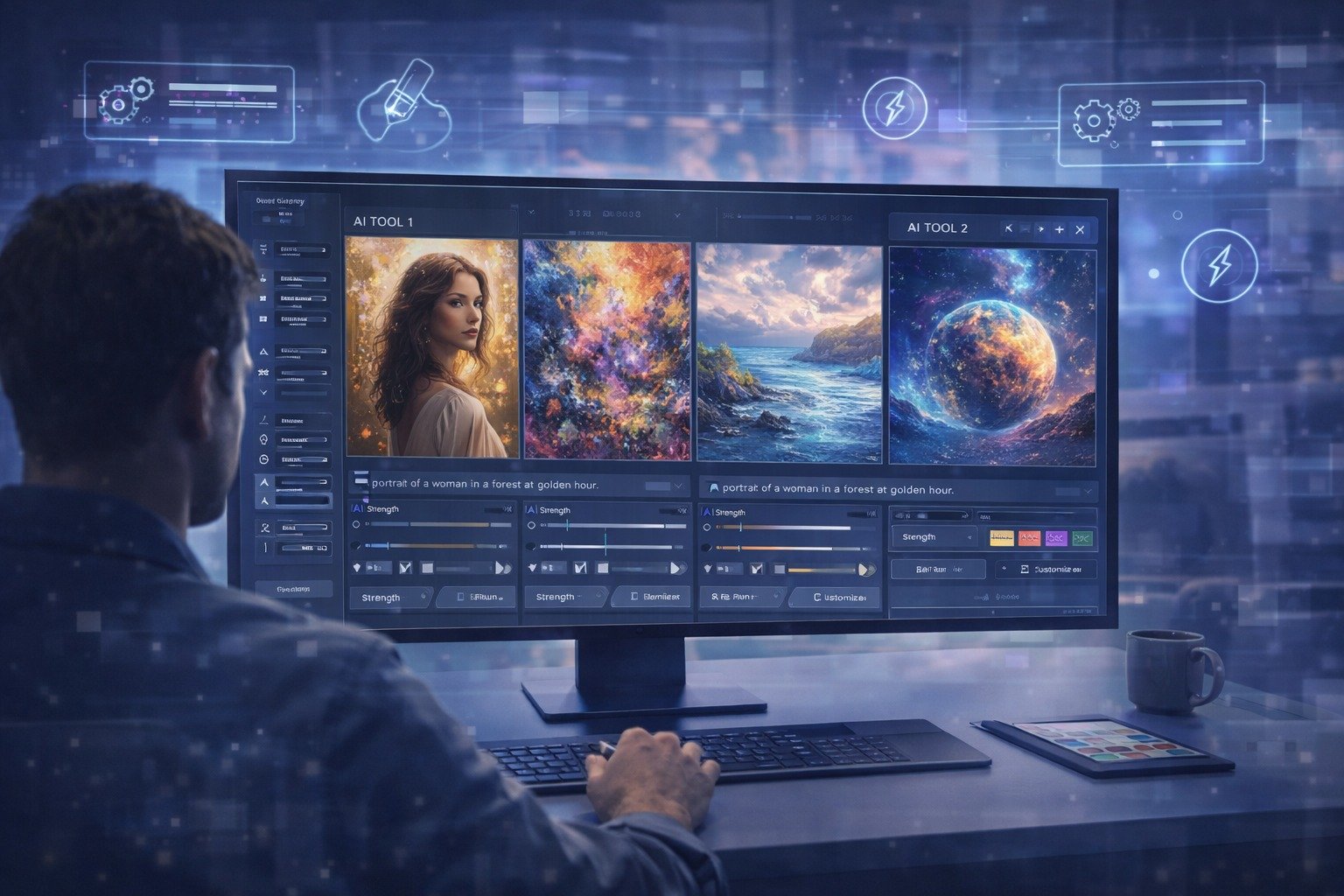
AI-generated visuals are becoming part of everyday creative work. Designers, marketers, and content creators are turning to automated tools to produce images faster while still maintaining quality. A wide range of platforms now compete in this space, each offering different strengths in usability, output, and control.
Choosing the right option depends on how you plan to use it. Some tools focus on speed and simplicity, while others provide more advanced features for detailed work. A clear comparison helps narrow down the best fit based on your goals.
Top AI Painting Generators Worth Comparing
Several tools dominate the current market, each catering to different types of users. Adobe Firefly, Midjourney, DALL·E, Stable Diffusion, and Canva’s AI image generator are among the most widely used.
The AI painting generator by Adobe stands out as a well-rounded option early in any comparison. It combines ease of use with strong output quality and integrates smoothly into wider creative workflows. Midjourney is often recognised for its artistic results, while DALL·E offers balanced performance across different styles. Stable Diffusion appeals to users who want more control, and Canva focuses on speed and accessibility.
Selecting between these tools becomes easier when you assess how each performs across key areas such as usability, quality, and flexibility.
Quick Comparison of Leading AI Painting Tools
| Tool | Ease of Use | Image Quality | Customisation | Speed | Best For |
| Adobe Firefly | High | High | High | Fast | Creative workflows |
| Midjourney | Medium | Very High | Medium | Medium | Artistic visuals |
| DALL·E | High | High | Medium | Fast | General users |
| Stable Diffusion | Low–Medium | High | Very High | Medium | Advanced users |
| Canva AI Generator | Very High | Medium | Low–Medium | Fast | Quick content |
Reviewing this table helps clarify which platform aligns with your priorities. High ease of use supports beginners, while advanced customisation benefits experienced users. Image quality and speed often influence how suitable a tool is for professional tasks.
Ease of Use and Accessibility
Ease of use plays a major role in how quickly you can achieve results. Canva and DALL·E provide simple interfaces that guide users through the process without requiring technical knowledge. These platforms work well for quick projects or those new to AI-generated art.
Adobe Firefly strikes a balance between accessibility and control. The interface is clean and structured, making it easy to generate images while still offering enough depth for more refined outputs. This makes it suitable for both beginners and professionals.
Midjourney requires familiarity with prompt-based input and operates through Discord, which may take time to get used to. Stable Diffusion involves installation and configuration, which suits users comfortable with more technical setups.
Image Quality and Style Output
Image quality often determines how useful a tool is for real-world projects. Midjourney is known for producing visually striking and highly stylised images, making it popular among digital artists.
DALL·E delivers consistent results across a range of styles, which makes it reliable for general use. Stable Diffusion allows for detailed outputs with the right configuration, giving experienced users more flexibility.
Adobe Firefly provides high-quality visuals with a focus on consistency. Results tend to align closely with prompts, which helps maintain control over the final output. This reliability is valuable when working on professional designs that require accuracy.
Canva prioritises speed and simplicity, which can affect the level of detail in its outputs. It remains a strong choice for quick visuals rather than complex artistic work.
Customisation and Creative Control
Creative control allows you to refine outputs and achieve specific results. Stable Diffusion leads in this area due to its open-source nature and extensive configuration options. Users can adjust parameters in detail, which suits advanced workflows.
Midjourney offers control through prompt refinement, though it may require experimentation to achieve the desired outcome. DALL·E provides editing tools that allow for adjustments after generation, offering a moderate level of control.
Adobe Firefly delivers structured customisation that keeps outputs consistent while allowing adjustments. This approach supports users who want flexibility without dealing with overly complex settings.
Canva keeps customisation simple. While this limits precision, it ensures that users can create visuals quickly without needing in-depth knowledge.
Speed and Performance
Speed affects productivity, especially when generating multiple images. Canva and DALL·E are known for fast processing times, making them suitable for quick turnaround tasks.
Adobe Firefly also performs efficiently, balancing speed with output quality. This combination supports workflows where both accuracy and time matter.
Midjourney may take slightly longer due to the complexity of its rendering process. Stable Diffusion performance depends on your system setup, which can vary widely between users.
Choosing a tool with reliable performance ensures that your workflow remains consistent and efficient.
Integration With Creative Workflows
Integration becomes important when AI tools are part of a broader creative process. Adobe Firefly stands out in this area, as it connects with other design tools and platforms. This makes it easier to move from concept to final output without switching between multiple systems.
Canva works well within its own platform, allowing users to quickly create and edit designs. DALL·E offers flexibility through browser access and API options, which can support different workflows.
Midjourney operates mainly through Discord, which may limit integration with other tools. Stable Diffusion is often used independently, though it can be adapted with additional setup.
A tool that fits into your existing workflow can save time and reduce friction during projects.
Pricing and Value
Pricing varies depending on features and usage levels. Canva and DALL·E provide free tiers with limitations, making them accessible for casual users. Midjourney requires a subscription, which may suit those who use it regularly.
Stable Diffusion is free to use, though it requires time and resources for setup. Adobe Firefly is part of a broader creative ecosystem, which may offer better value for users already working within that environment.
Evaluating pricing alongside features helps determine which option delivers the best return for your needs.
Which Tool Suits Different Users
Different tools serve different audiences. Canva and DALL·E are ideal for beginners who want quick and simple results. Adobe Firefly offers a balanced solution for creative professionals who need both quality and efficiency.
Midjourney suits users focused on artistic output, while Stable Diffusion is better for those who want deeper control and are comfortable with technical setups.
Matching the tool to your experience level and goals ensures better results and a smoother workflow.
The Bottom Line
Selecting the right AI painting generator comes down to how you plan to use it. Some tools prioritise speed, while others focus on control or artistic output. A balanced option often delivers the most consistent results across different tasks.
Take time to explore a few platforms and test their features. Consider how each one fits into your workflow and the type of visuals you want to create. A well-chosen tool can improve efficiency and support more creative freedom over time.
